Thousands of BYU students receive scholarship awards every semester. For years, the Financial Aid Office tracked all of it on massive spreadsheets -- manually, case by case, deadline by deadline. When the team proposed building a system to automate the process, administration's response was immediate: we tried that before. It did not work.

Project Details
- Client: BYU Financial Aid Office
- Role: Lead Designer
- Scope: Admin system, scholarship application redesign, student interface
- Team: Back-end and front-end developers, Financial Aid staff, admissions consultants
- Tools: UXPin prototyping, Morae usability testing
- Student Interface: View Student Interface
The Challenge
Every semester, the BYU Financial Aid Office managed scholarship awards for thousands of students -- who qualified, how much, by which deadline -- using a series of massive spreadsheets. It was a manual, cumbersome process that was entirely dependent on individual staff members maintaining complex data across multiple files. When the team proposed replacing it with an automated system, the response from administration was straightforward: this had been attempted before. It had failed.
The scholarship application that students completed was its own problem. The existing interface was so text-heavy that it was difficult to identify what was being asked or what step came next. The team had initially planned to apply a standard PeopleSoft template -- but one look at the template made clear it needed far more than cosmetic work.
The Strategy
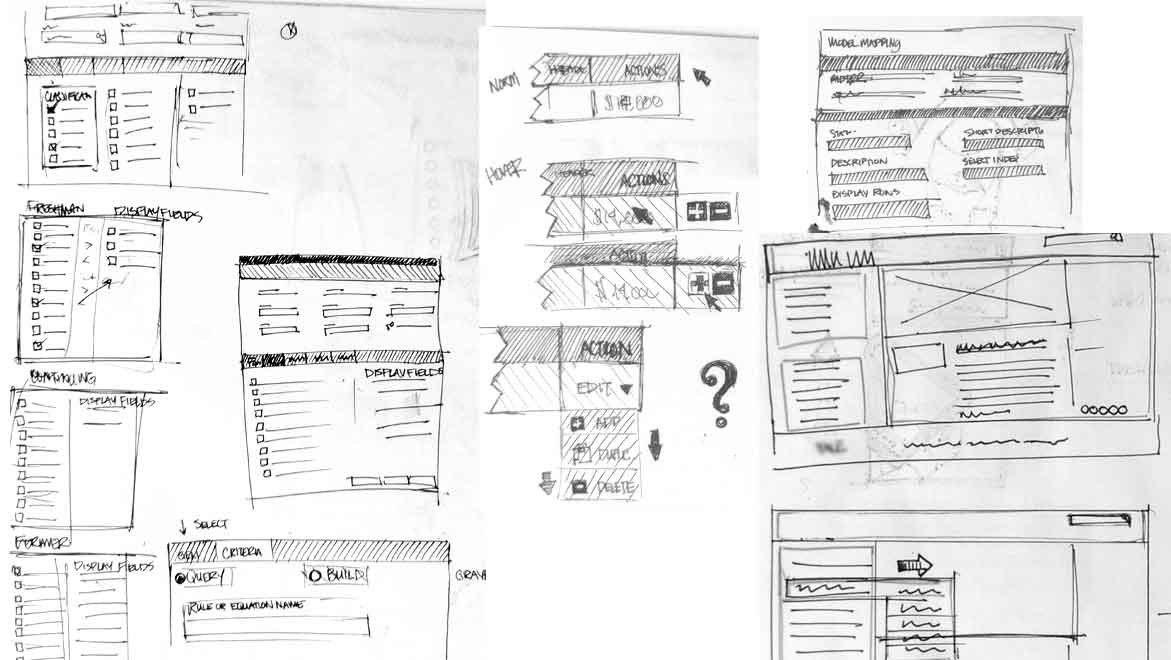
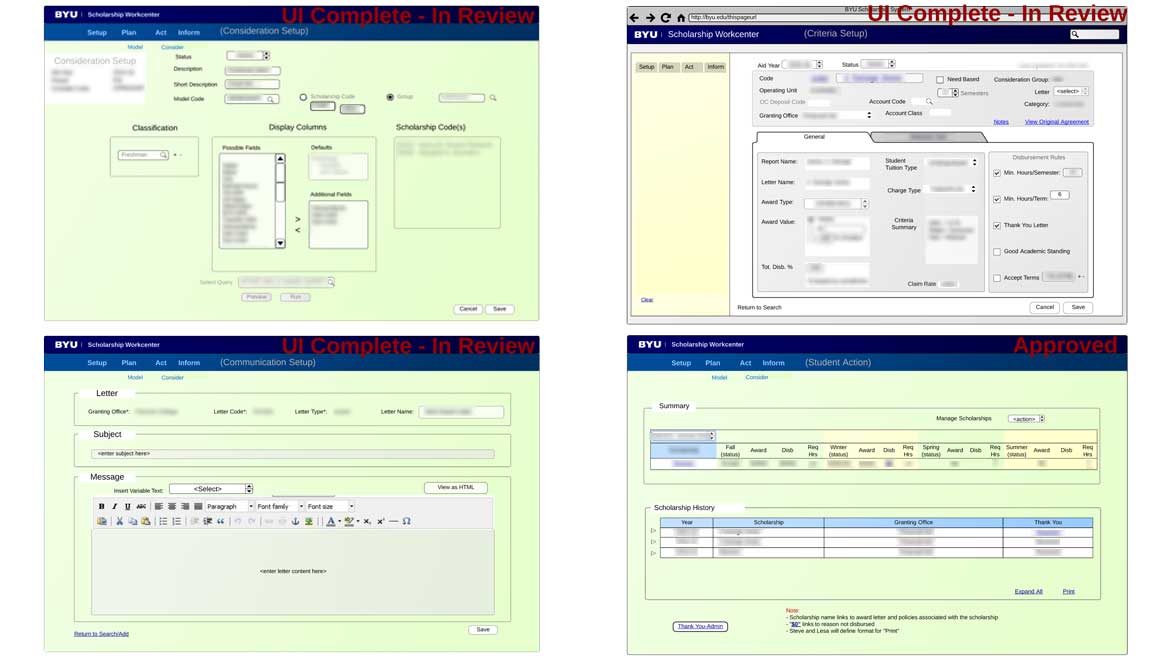
The team mapped the entire scholarship process end to end before any design decisions were made. The calculations for modeling who receives what award and how much were complex -- understanding that logic was a prerequisite to designing a system that handled it correctly. Basic wireframes were produced to establish the structure, which were then handed off for UI refinement and detailed design work.
For the scholarship application, the strategy was simpler: break it into steps. The wall of text that had characterized the old interface could be replaced by a tab-based flow -- each tab representing one stage in the process, showing only what was relevant to that step.
The Execution
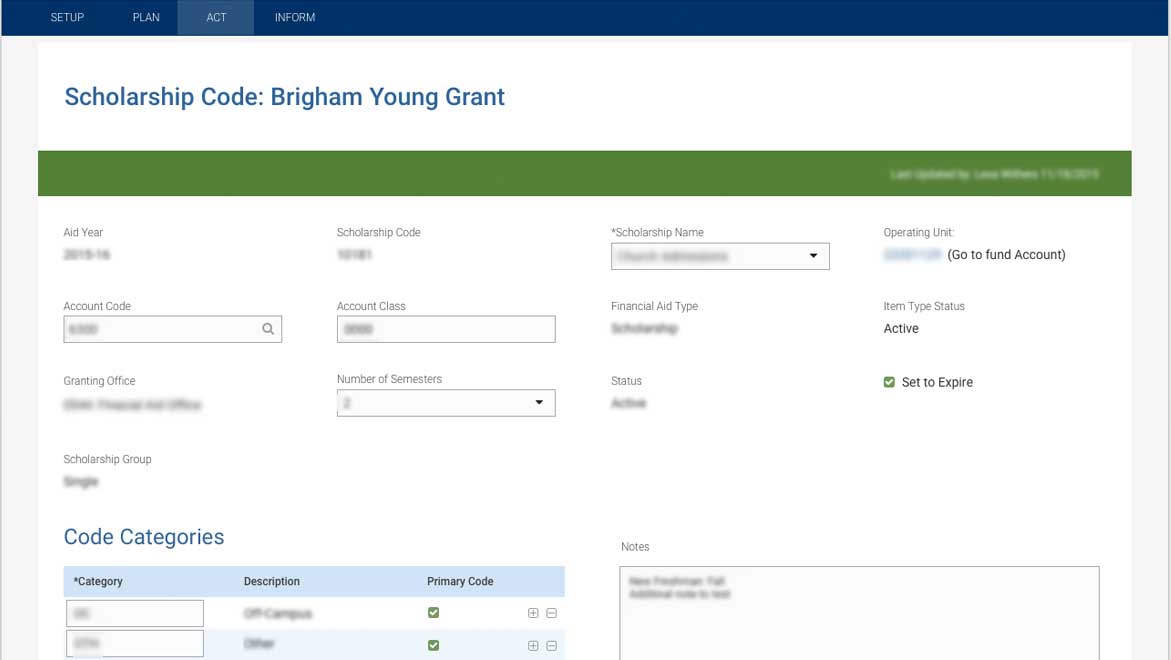
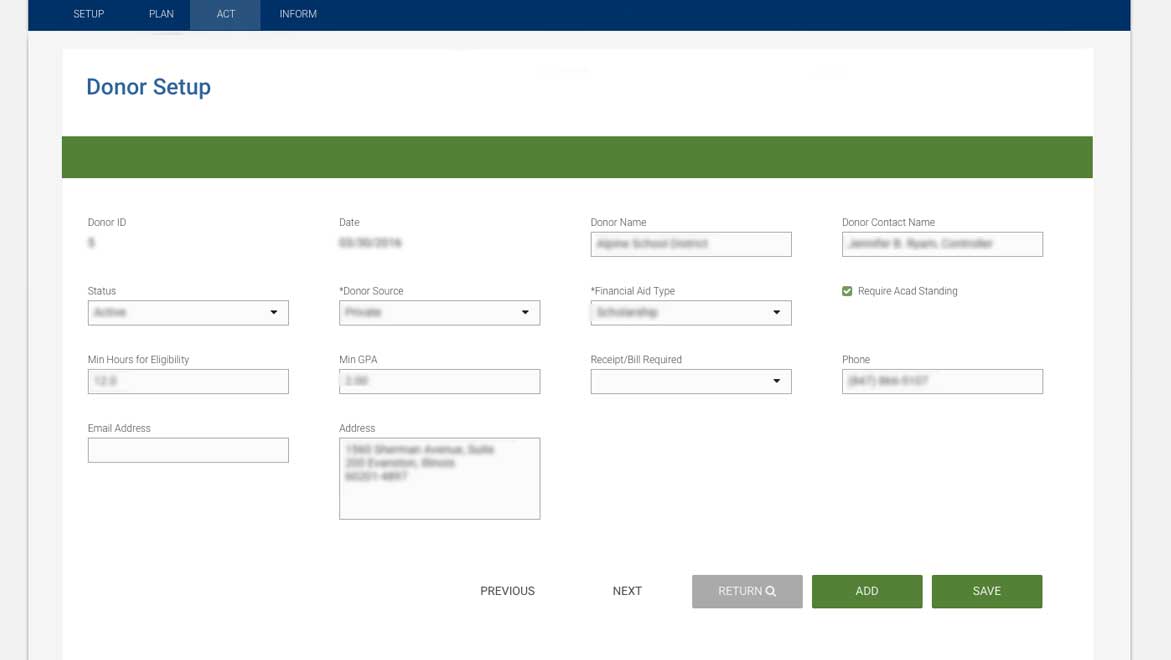
The admin system covered the full Financial Aid workflow: scholarship modeling, award tracking, staff communications, and reporting. A PeopleSoft style guide was produced for the development team to ensure visual consistency was maintained throughout the system as it was built out screen by screen.
The scholarship application was redesigned around the tab structure -- each tab a step, each step showing only the information needed to complete it. This removed the visual overload of the original and gave applicants a clear sense of progress and sequence. Testing was conducted in a usability lab using Morae, with UXPin prototypes, beginning before the system was complete -- catching flow issues while they were still inexpensive to fix.
The Results
The Financial Aid Office launched with an automated system that replaced the spreadsheet operation entirely. The reaction from staff was unambiguous: they were thrilled. The process that had required manual data management across multiple files now ran through a single system designed around how the work actually happened. The scholarship application gave students a clear, step-by-step path through a process that had previously felt like reading a dense document and hoping you filled in the right fields.